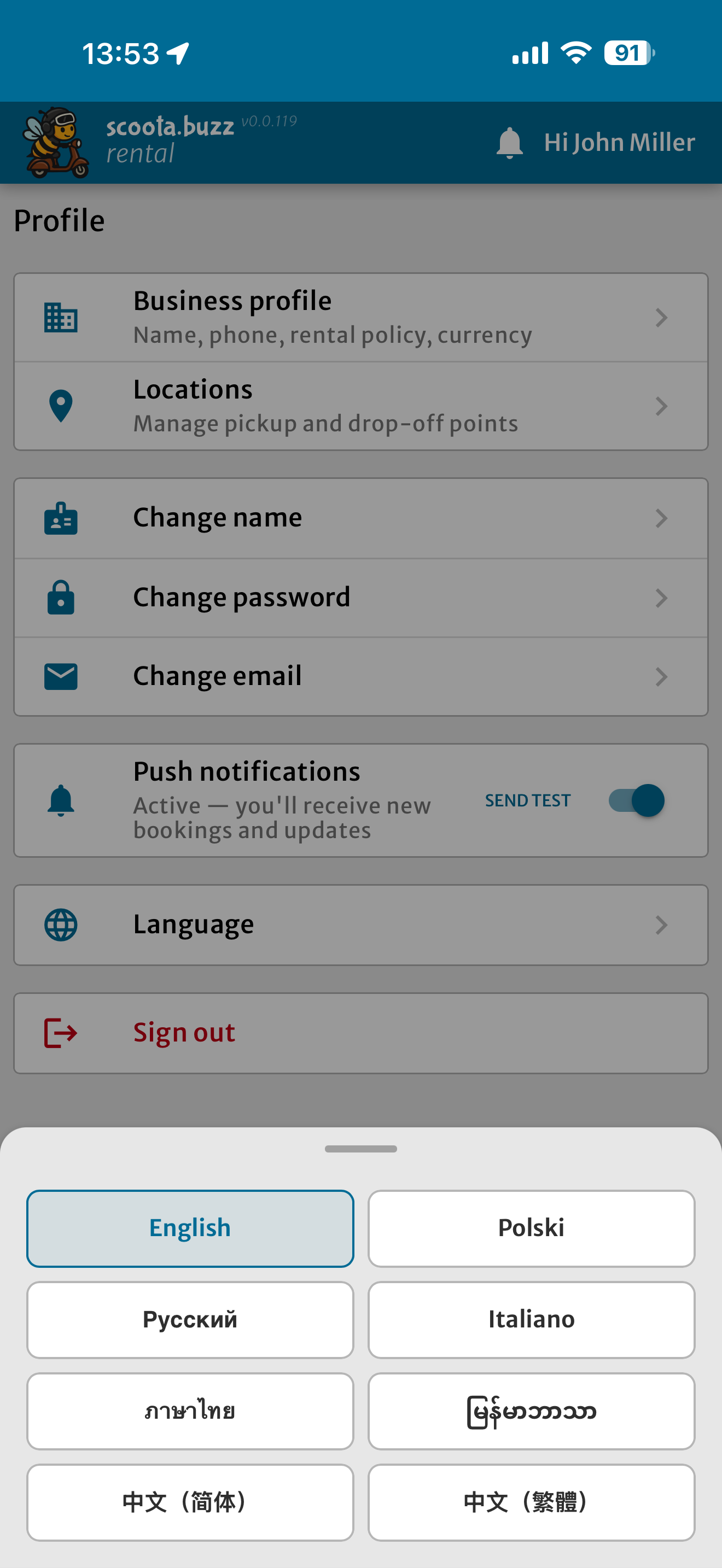
Dashboard
At a glance — everything for the day ahead
The first screen when you open the app. Pending requests, active rentals, today's pickups and returns, and a revenue summary — right there from the start.
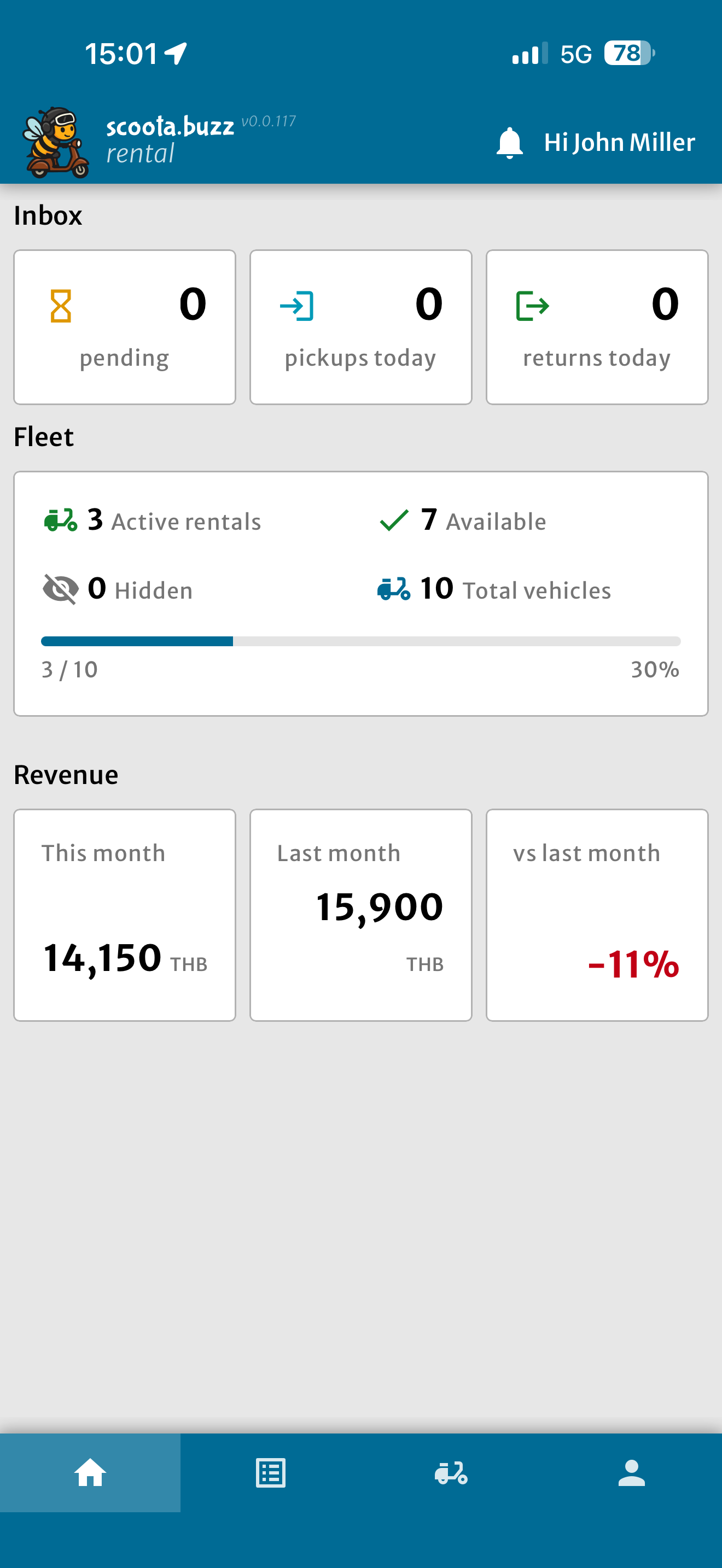
Rentals
All your rentals in one list
Active, upcoming, and past rentals together. Tap any rental to see full details, send a message, or update the status.
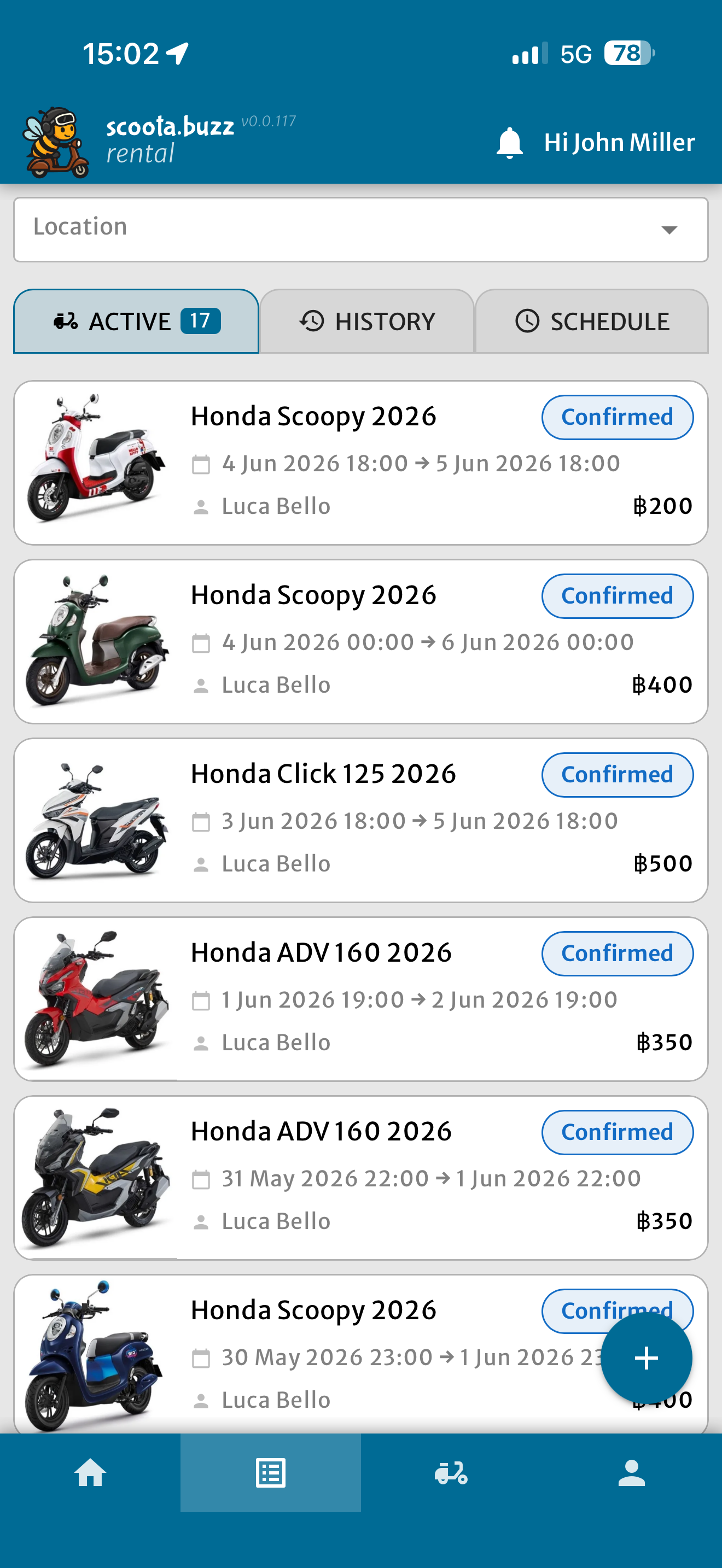
Fleet Timeline
See who's renting what, and when
A Gantt-style timeline of your entire fleet. Spot free slots, avoid double-bookings, and plan multi-day rentals at a glance.
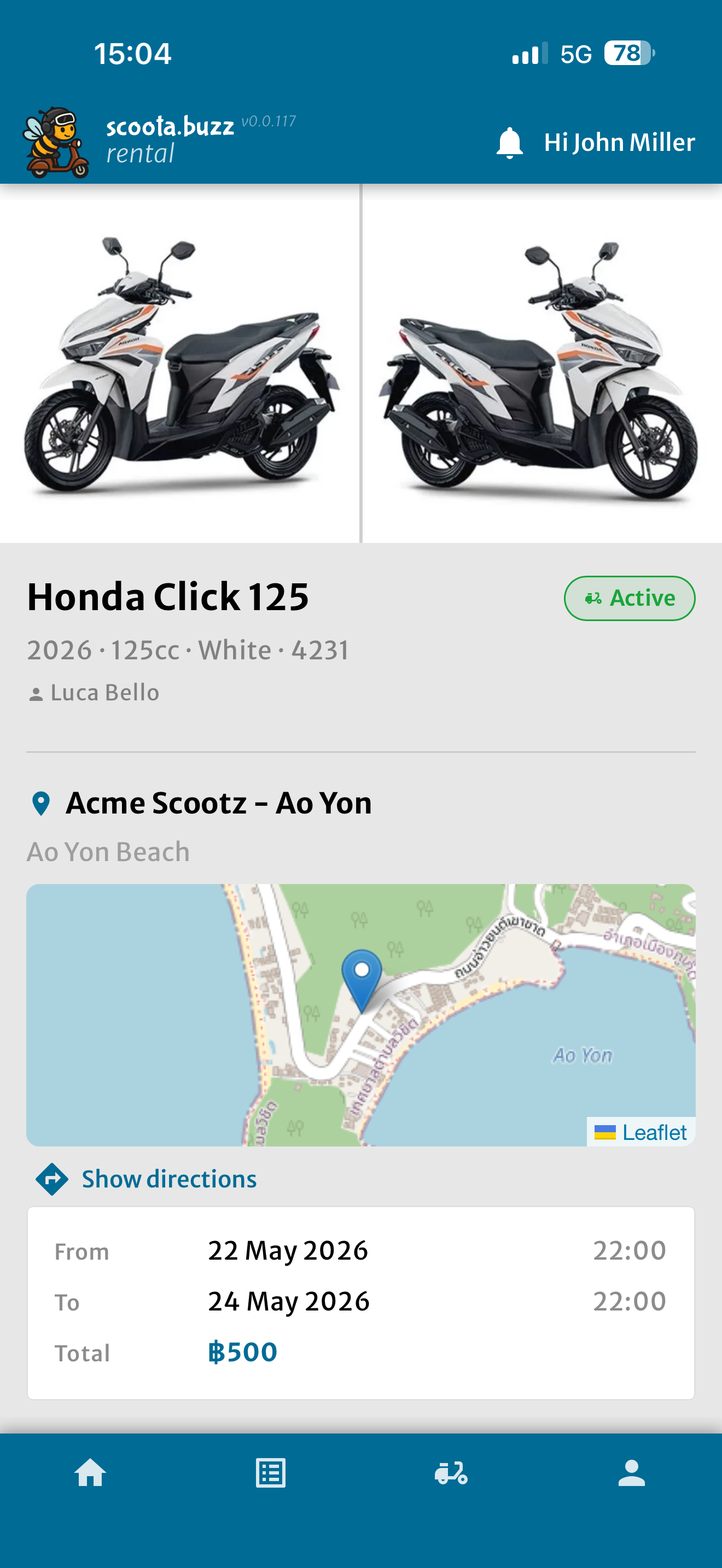
Rental Details
Every detail of a booking on one screen
Status, dates, vehicle, customer info — and the chat thread — all in one place. Confirm, decline, or update with a single tap.
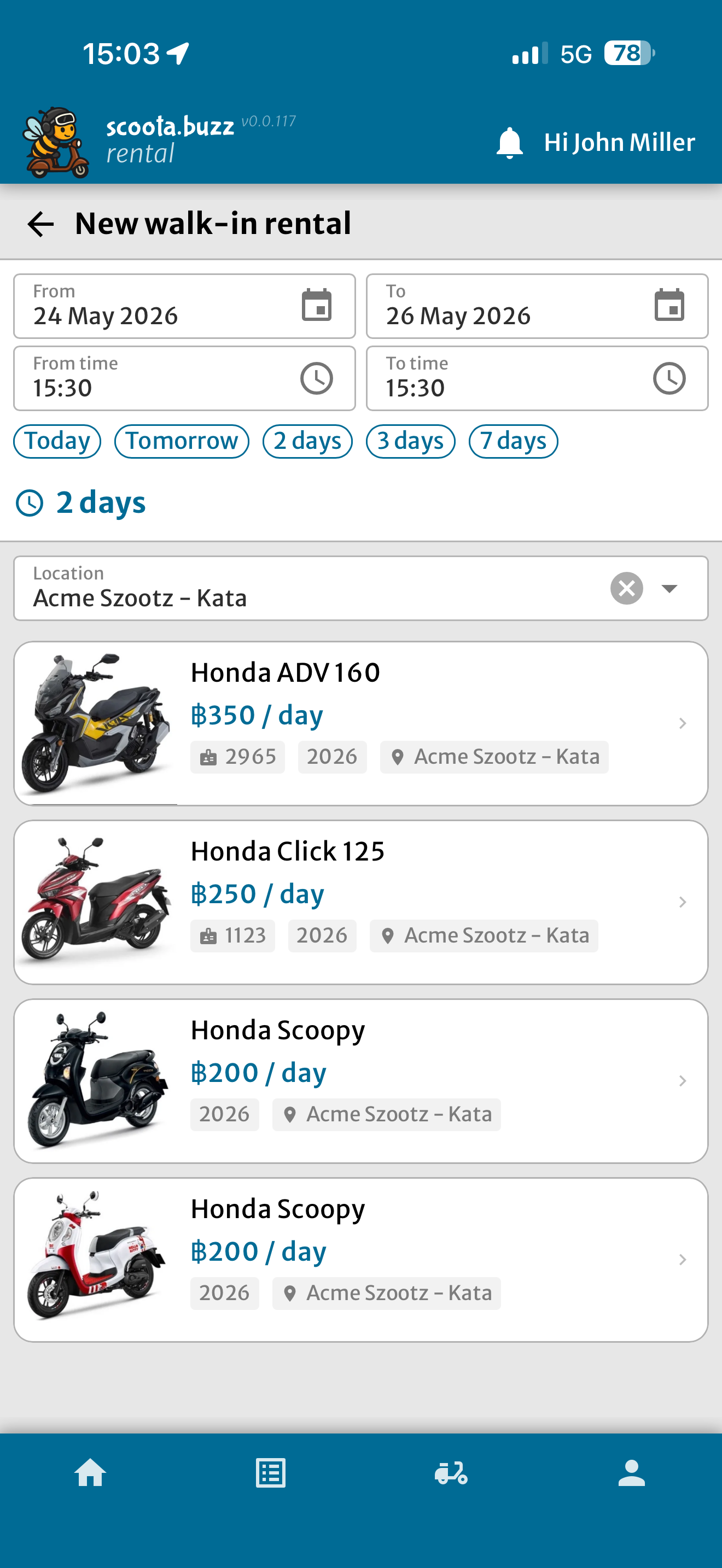
Walk-in
Register a walk-in in under 30 seconds
Customer shows up without a prior booking? Select the vehicle, set the dates, done. No app or account needed on the customer side.
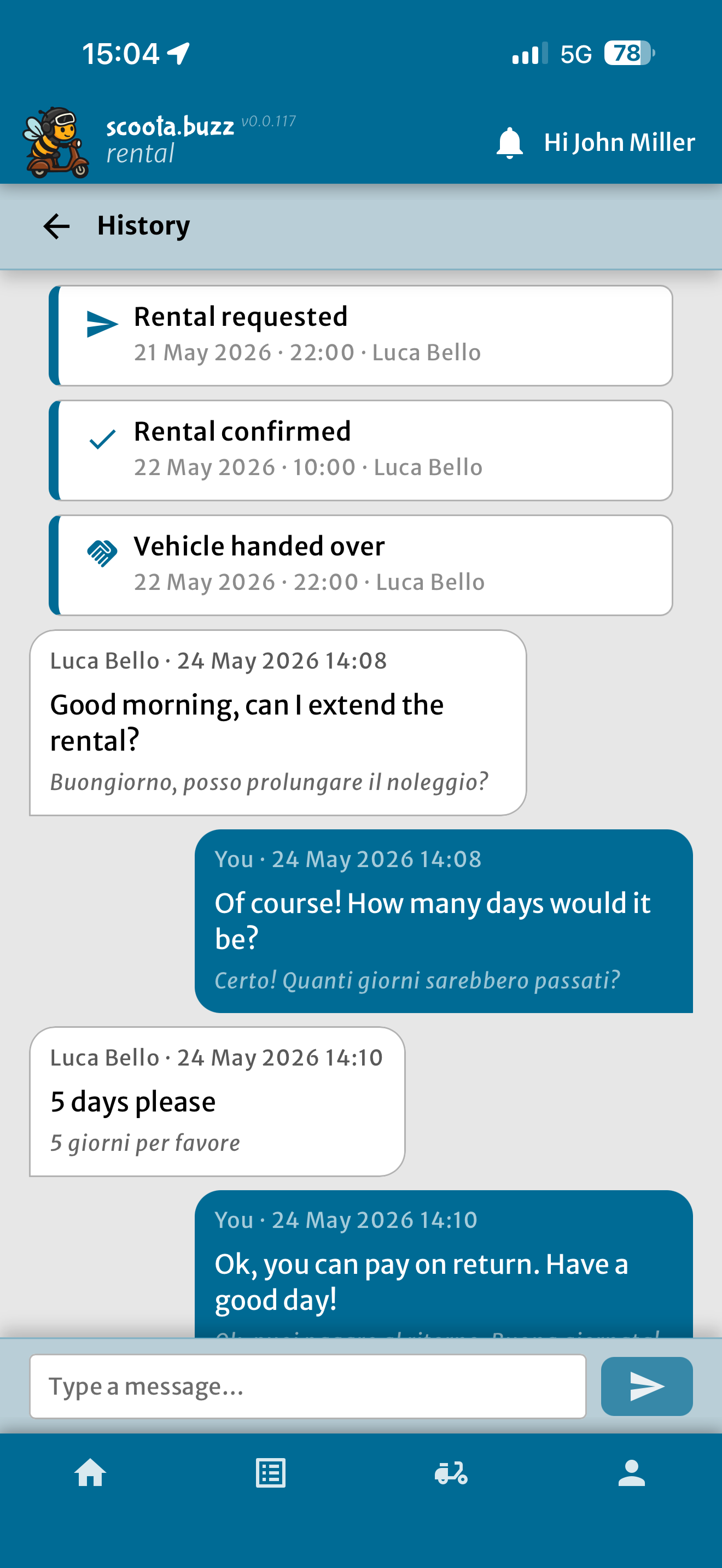
Chat
Talk where the booking lives
Every rental has its own message thread. Customers ask questions, you reply — inside the app, full history kept. No WhatsApp, no switching.
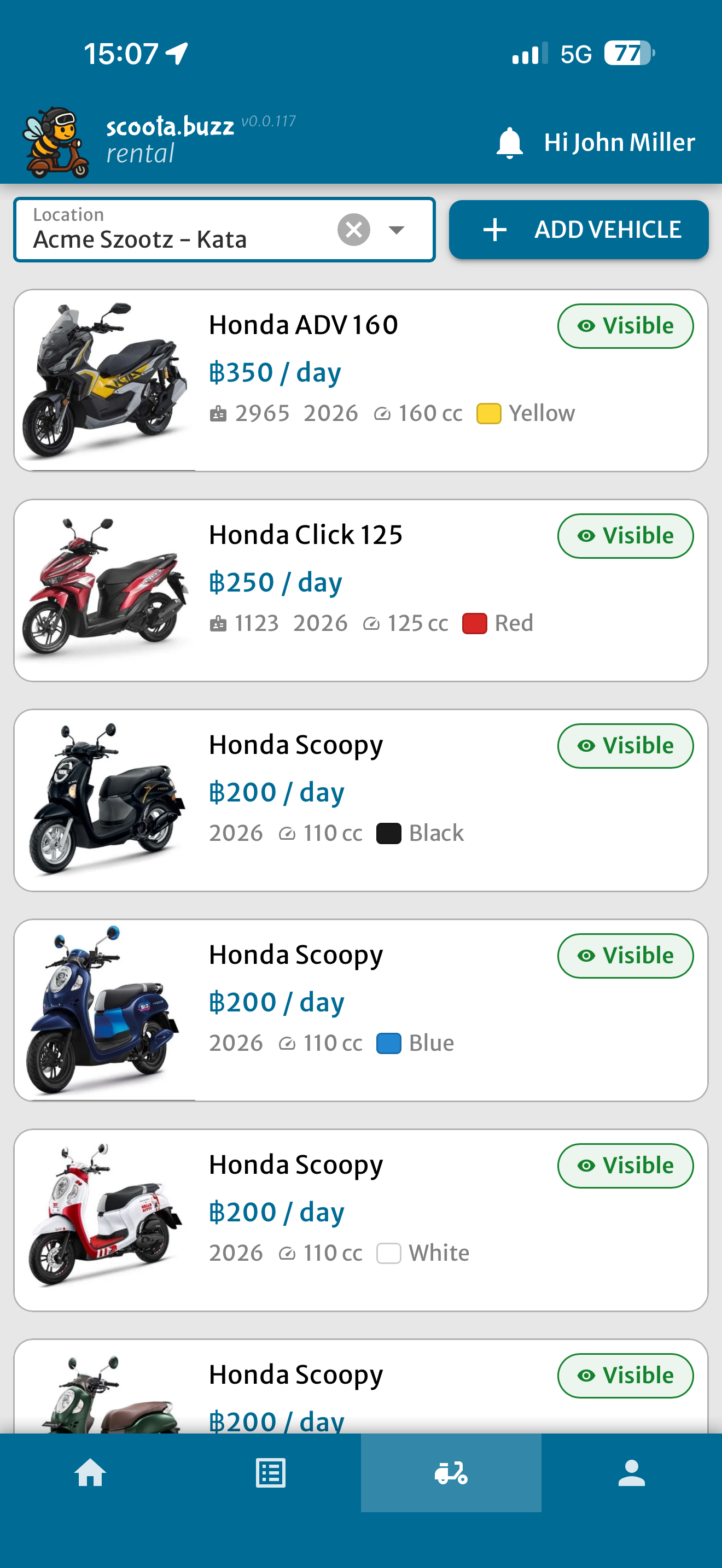
Fleet
Your whole fleet, always up to date
All vehicles in one list with live status — free, currently rented, or temporarily hidden. Add a new vehicle in under two minutes.
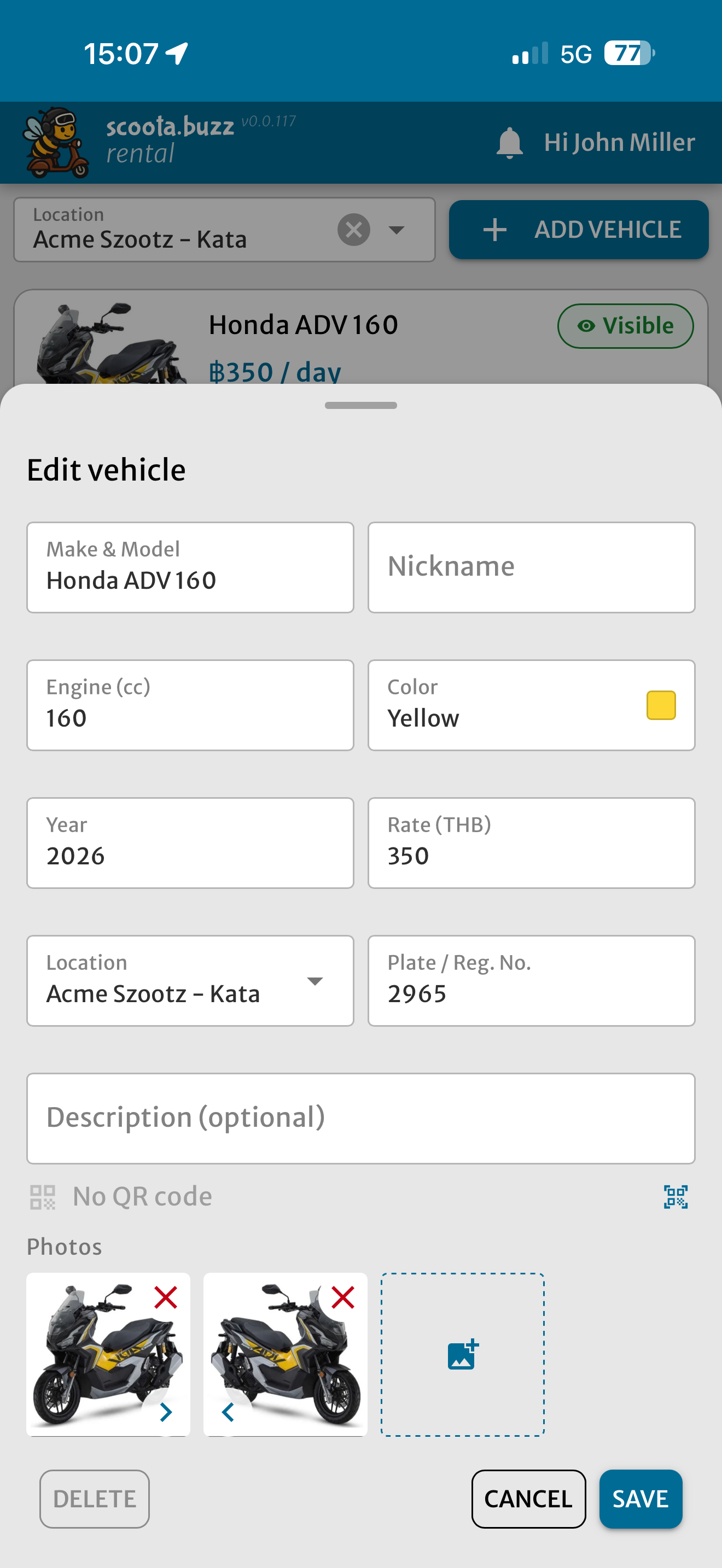
Fleet
Set up any vehicle the way you need
Add photos, pick make and model, set a daily rate, toggle availability. Everything a customer sees on the booking page comes from here.
Locations
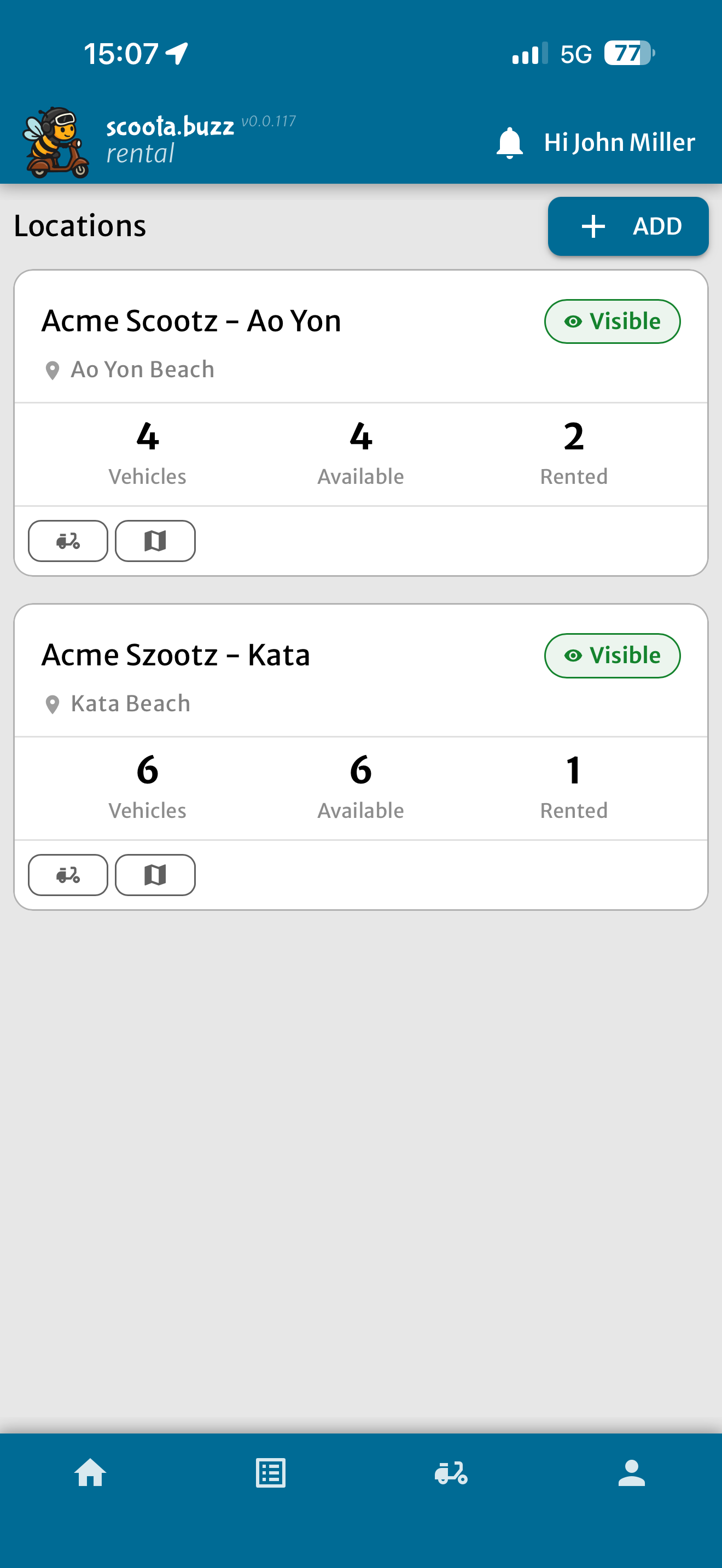
Run multiple pickup locations
Each location has its own address and fleet assignment. Customers see exactly where to pick up and drop off — no confusion.
Profile
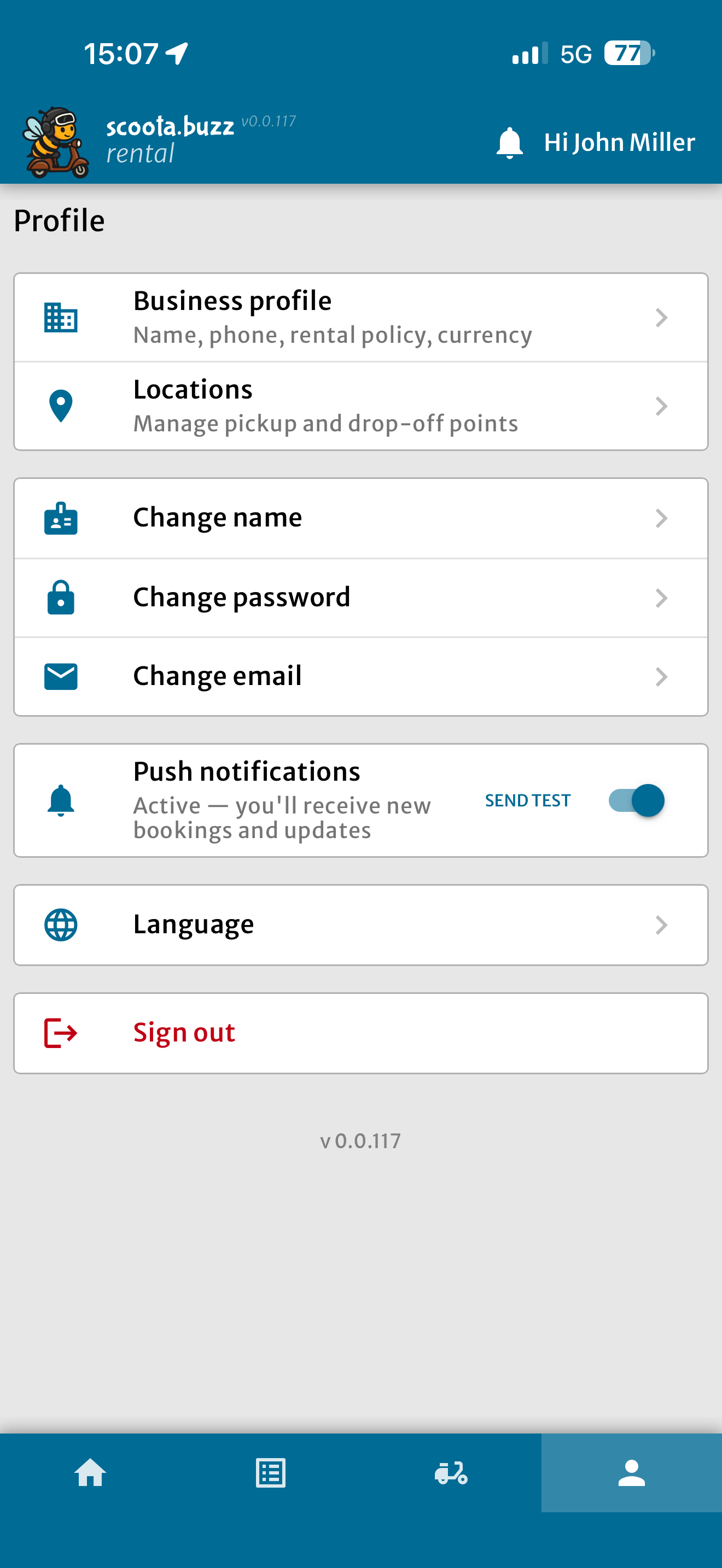
Account settings and shop info
Update your shop name, contact details, and notification preferences. Everything needed to keep your listing accurate and your inbox under control.
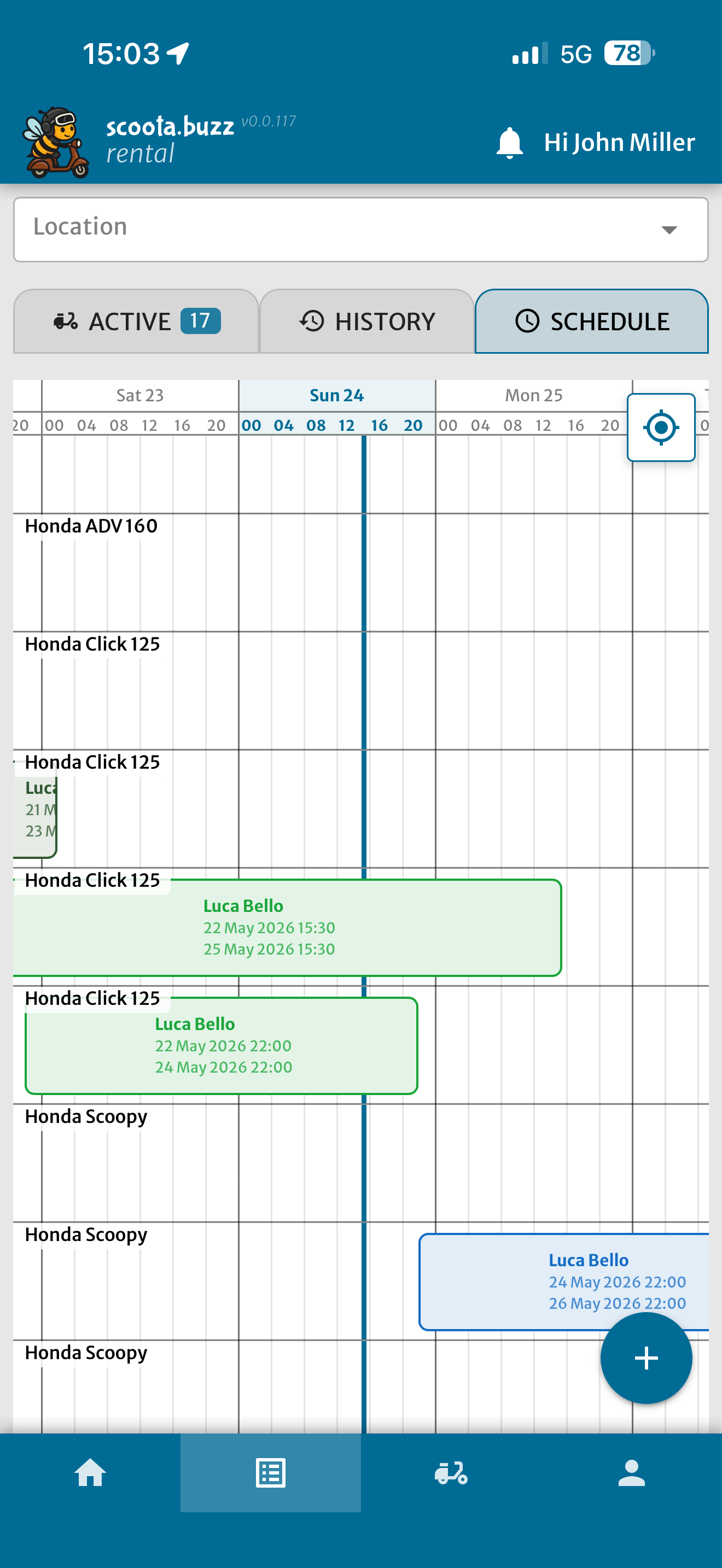
Language
The panel speaks 8 languages
Switch the interface language with one tap — useful when staff and customers speak different languages.